






























Would you like to have a fully automated blog on any topic directly on your website? Click to learn more.
Definitive Guide to Submixing Workflow for Kontakt in Cubase: Optimize Your Mixing Process
Understanding the Submixing Framework for Kontakt and Cubase
To create an effective submixing workflow for Kontakt in Cubase, establish a clear instrument-family hierarchy, route Kontakt outputs to dedicated submix buses, apply processing for cohesion, and automate dynamics at the bus level. This ensures cue-ready stems that enhance your production process. By keeping your setup straightforward, repeatable, and scalable, you can efficiently manage complex projects as your template expands.
Establishing a Structured Hierarchy
Begin by creating a clean, repeatable grouping structure that reflects the orchestral palette you typically utilize. In Cubase, set up Group Channels for main families, including Strings Submix, Brass Submix, Winds Submix, and Percussion Submix. Clearly label and color-code these buses to facilitate quick identification during high-pressure cue sessions.
For each Kontakt instrument, route the output to the corresponding group bus rather than directly to the master channel. If using multiple Kontakt instances, evenly distribute their outputs to the same set of submix buses. This allows a single fader to balance an entire family of instruments effortlessly. If additional granularity is required, consider creating sub-subgroups (like Legato Strings) only after solidifying the primary hierarchy. Establishing this framework is vital for a manageable mix and a predictable workflow.
Routing Kontakt Instruments to Submix Buses
With your hierarchy defined, adjust the routing for each Kontakt instrument track to ensure its audio is directed to the designated submix bus. In your Cubase project, open the instrument track’s routing and select the appropriate group bus (e.g., Strings Submix, Brass Submix). If multiple Kontakt instances are utilized, you can route each instance’s outputs to the same family bus to maintain tonal balance and consistent processing.
It’s advisable to opt for post-fader routing on the group buses, allowing any fader adjustments on the submix to uniformly affect the entire family. To streamline troubleshooting as your project expands, maintain a visually consistent routing scheme by color-coding both the instrument tracks and their corresponding submix buses. For cues requiring independent dynamics within a family, you may temporarily split a subfamily into a secondary bus, but ensure that core routing is established first.
Applying Processing on Submix Buses
Integrate a light, cohesive processing chain on each submix bus to unify the elements of that family while preserving their individual characteristics. Utilize a gentle compressor (set to approximately 2:1 with a slow attack around 20–30 ms and a tempo-synced release) to blend transients while maintaining musicality. Follow this with a broad, musical EQ: apply a high-pass filter at 40–60 Hz for strings to eliminate muddiness, a subtle cut in the 1–3 kHz range for brass or winds that might sound too prominent, and enhance the higher frequencies (12–16 kHz) to add air and space as needed.
Consider adding subtle saturation to impart harmonic warmth across the bus, aiding in aligning the diverse libraries to the same acoustic environment. If your template includes several libraries, a slight stereo width adjustment can help to keep the low end tight without sacrificing spatial placement. The goal is cohesion; avoid excessive processing that could mask unique articulations or overly shape the tonal quality. Regularly audition the submixes in solo mode to ensure that each family retains its distinct character while contributing positively to the overall sound bed.
Dynamic Control and Efficient Stem Export
Once the submixes are effectively established, leverage bus faders and automation for dynamic shaping, rather than adjusting numerous individual tracks. Automate the Strings Submix to swell during climactic moments, retreat in quieter sections, and ensure the brass and winds maintain a balanced, musical interaction, avoiding chaos in the mix. This focus on a bus-centric approach simplifies changing cue dynamics in real time without needing to rebalance every instrument.
For exporting the final cue, process stems by submix: export a Strings stem from the Strings Submix, a Brass stem from the Brass Submix, a Winds stem from the Winds Submix, and so forth. This workflow results in a clean, repeatable set of stems suitable for a scoring stage or mixer while preserving the inherent relationships between instrument families. When securing the template, lock the standard routing and processing chain to ensure that future cues commence from a stable, ready-to-mix baseline. Make any necessary minor adjustments on a per-cue basis rather than rebuilding routing each time.
Conclusion
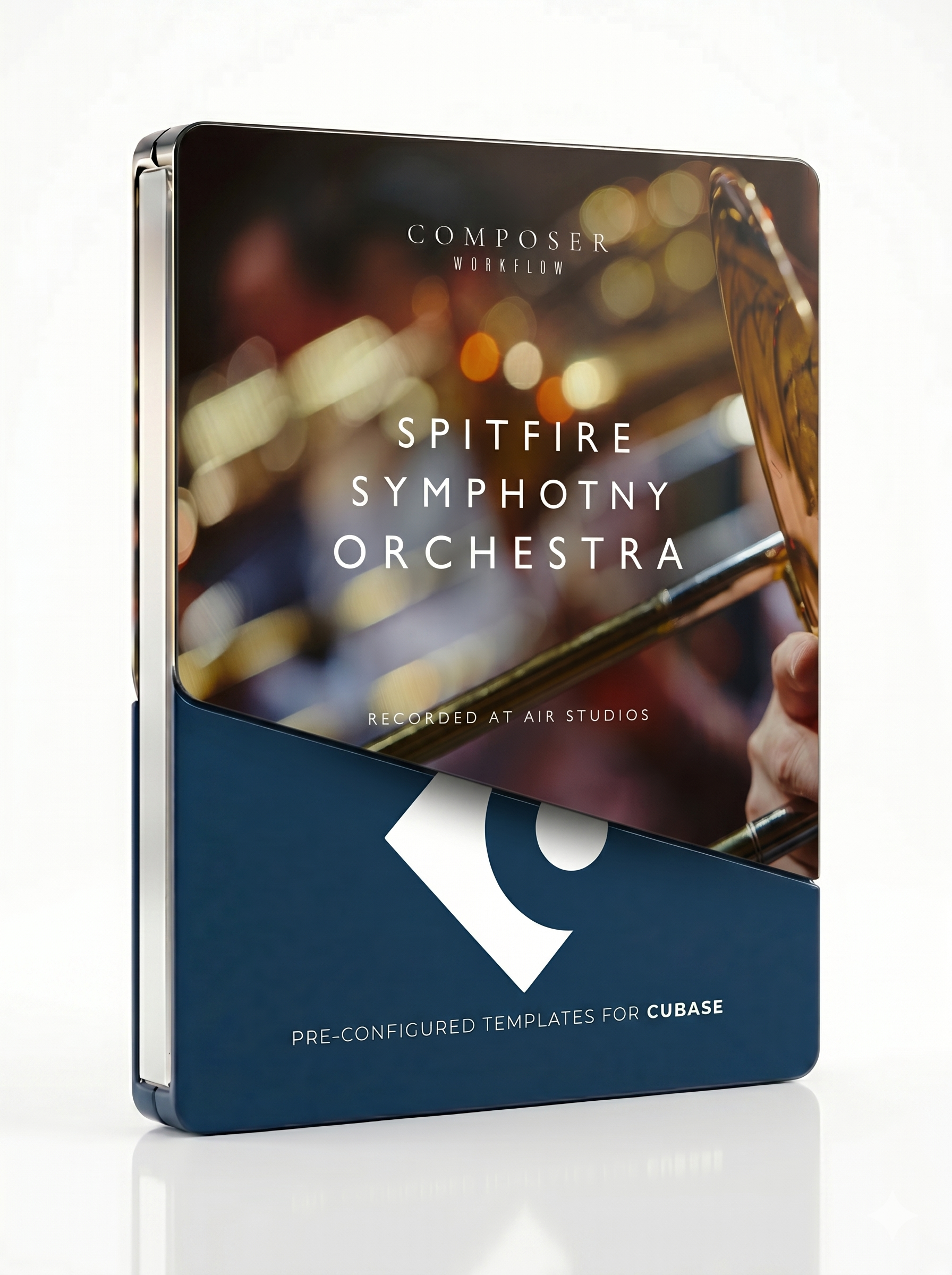
Implementing this submixing workflow offers a reliable, scalable foundation for balancing extensive Kontakt orchestral libraries in Cubase. It ensures faster, more consistent mixes across cues and projects, making it easier to adjust and manage your workflow efficiently. For users seeking to enhance their productivity further, Composer Workflow provides pre-configured templates and expression maps, saving valuable hours on setup and enabling you to focus more on creativity. By adopting this comprehensive approach, you’ll not only streamline your mixing process but also improve overall project outcomes.