




UTO-VISION: Achieve Peak Efficiency in Your DAW Workflow
Introduction to UTO-VISION
UTO-VISION is not just another feature set; it is an intelligent assistant designed to optimize your Digital Audio Workstation (DAW) workflow. Leveraging advanced AI analysis, it identifies patterns in your project structure and offers personalized recommendations that enhance creativity and productivity. This guide will walk you through the key steps to fully utilize UTO-VISION, ensuring a seamless and efficient experience in your DAW.
Essential Steps to Maximize UTO-VISION’s Features
1. Initial Setup and Context Provisioning
To kickstart your journey with UTO-VISION, establish a comprehensive baseline profile. Provide details about your typical project type, preferred templates, and workflows. This foundational context allows the AI to generate tailored insights that cater specifically to your habits.
2. AI-Driven Analysis of Your Project
UTO-VISION conducts a deep analysis of non-sensitive aspects of your workflow, such as project templates, session notes, and plugin usage. This enables it to identify recurring bottlenecks, recommending adjustments for enhanced efficiency. By focusing on reproducible improvements, UTO-VISION transforms your setup, making it easier to implement its suggestions.
3. Personalized Recommendations
Personalization is at the core of UTO-VISION’s functionality. Each suggestion it generates—whether a new project template or an optimized routing strategy—is informed by your unique workflow. This ongoing learning process ensures that recommendations evolve as you progress, providing insights that truly resonate with your creative style.
4. Implementation of Suggested Improvements
Transitioning from suggestion to action is straightforward with UTO-VISION:
– Preset Templates: Access ready-to-import project templates aligned with your genre.
– Template Content Generation: Automatically create session structures and naming tools that reflect your artistic vision.
– Macro Actions: Benefit from one-click solutions that streamline repetitive tasks without disrupting your creative flow.
– Plugin Grouping Guidance: Optimize your plugin chain and routing with recommended configurations.
5. Continuous Refinement and Feedback Loop
The AI actively learns from your interactions. By providing feedback on its suggestions, you can fine-tune the profile, ensuring it prioritizes improvements that matter most to you. This feedback loop reinforces an adaptive learning environment that respects your current workflow.
6. Troubleshooting Common Issues
If you encounter challenges, such as failed template imports or malfunctioning macros, check your DAW’s security settings. Ensure necessary permissions are granted for UTO-VISION to function smoothly. For initial testing, utilize a basic template and gradually expand to more complex setups as confidence builds.
Key Functionalities of UTO-VISION
Understanding Your DAW Context
UTO-VISION analyzes a variety of non-audio elements, including:
– Project Templates: Recommendations for standardized folder and bus structures.
– Track and Bus Organization: Suggestions for consistent naming and color-coding.
– Routing Optimization: Tailored advice on efficient signal flows.
– Macro Configurations: Streamlining repetitive tasks through automation.
This comprehensive analysis results in actionable recommendations tailored to your creative workflows, enhancing both speed and organization.
Enhancing Collaboration with Shared Templates
To maximize the utility of UTO-VISION, consider creating a short onboarding routine for new collaborators. Using shared templates and uniform naming conventions minimizes miscommunication, leading to productive sessions right from the start.
Conclusion: Elevate Your DAW Workflow with UTO-VISION
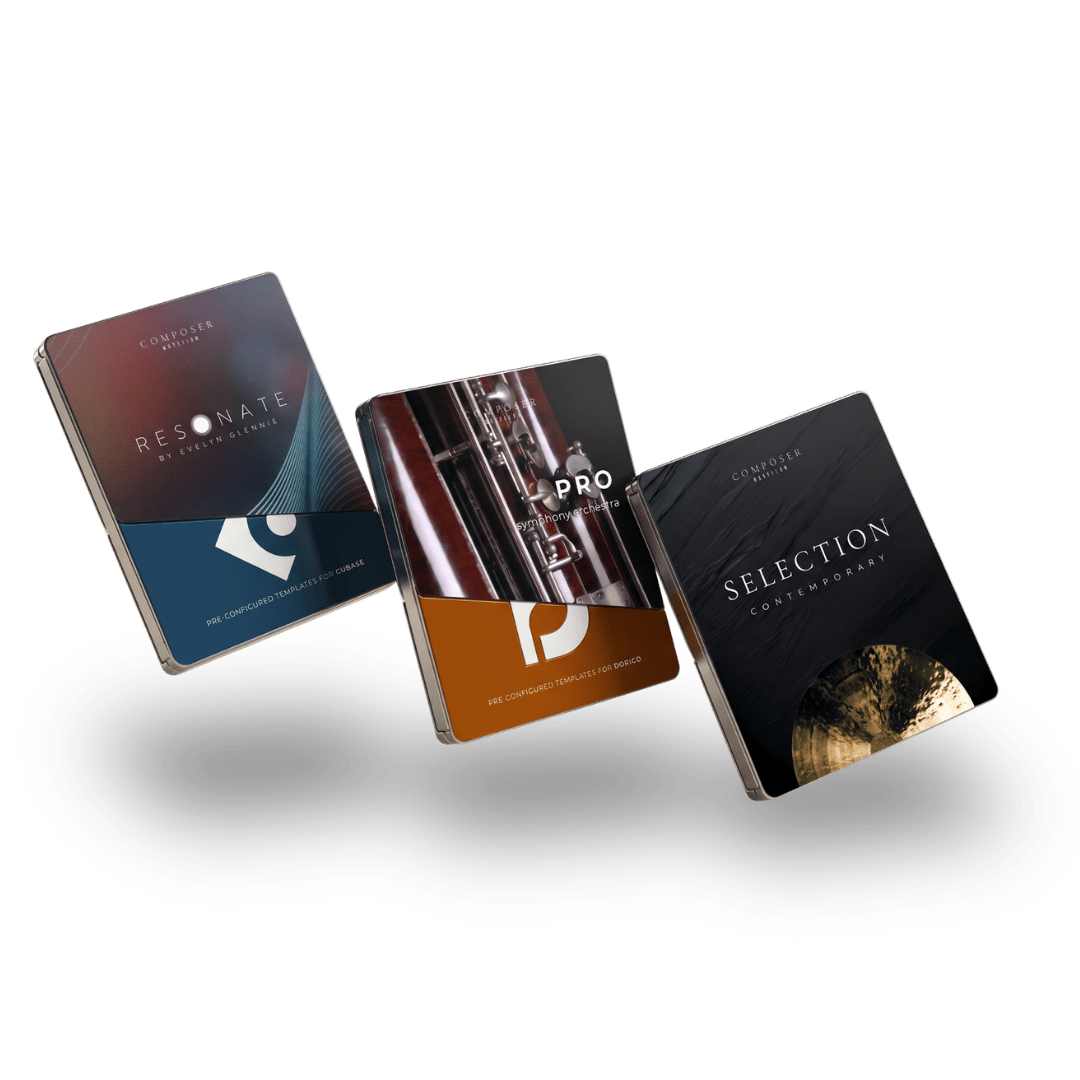
In summary, UTO-VISION delivers intelligent, non-invasive guidance that significantly optimizes your DAW workflow. By offering personalized recommendations based on your distinct practices, it enhances project organization and efficiency without compromising your artistic authority. Embrace UTO-VISION as a collaborative tool that empowers you to elevate your creativity, streamline setups, and reclaim hours of productive time. Start integrating these suggestions today and experience a more organized and inspired production process. Don’t forget to explore Composer Workflow for pre-configured templates and expression maps, further simplifying your setup and saving valuable time.