



























Would you like to have a fully automated blog on any topic directly on your website? Click to learn more.
UTO-VISION: Enhance Your DAW Workflow with AI Insights
Comprehensive Overview of UTO-VISION and Essential Steps
To effectively streamline your Digital Audio Workstation (DAW) workflow using UTO-VISION, it’s crucial to understand both what the solution analyzes and what it does not. UTO-VISION evaluates elements such as session structure, naming conventions, routing patterns, and plugin usage. However, it does not monitor or modify live audio signals.
To get started, follow these essential steps:
1. Understand the Analysis Scope: Familiarize yourself with the various aspects UTO-VISION evaluates.
2. Configure Your User Profile: Align your user profile with your specific goals—whether you’re focusing on speed, clarity, or consistency.
3. Run a Lightweight Project Assessment: Conduct an initial assessment of an existing project to receive personalized recommendations tailored to your workflow.
4. Implement Suggested Actions: Review and adopt the tasks suggested, using the system’s guided actions.
5. Monitor Improvements Over Time: Regularly re-run assessments to observe enhancements and adjust your preferences as you become more familiar with UTO-VISION.
What is UTO-VISION?
UTO-VISION is an AI-driven assistant that integrates seamlessly with your DAW, designed to read the unique context of your project alongside your defined goals. It focuses on non-audio elements—like project structure, organization, and decision-making patterns—instead of audio measurements or adjustments. This makes it a non-destructive tool, aimed at fostering improvements in your workflow.
How UTO-VISION Works
The system rigorously examines project metadata, including track counts, grouping, routing schemes, bus architectures, plugin usage, tempo and key references, along with the macro shape of your arrangement. Based on this analysis, UTO-VISION generates a prioritized list of actionable recommendations customized to your style and objectives. The outputs are clear and presented in natural language, making them easy to implement even during busy sessions.
Key Features of UTO-VISION
– Personalized Action Plans: Adapt these plans to fit seamlessly into your unique workflow.
– Template and Naming Heuristics: Unify your projects with consistent naming conventions.
– Efficient Routing Guidance: Get recommendations on creating streamlined routing and bus structures.
– Shortcuts and Template Creation: Simplify your workflow with suggested keyboard shortcuts and session templates.
– Onboarding Prompts: Tailor your experience with prompts that align with your DAW and typical genres.
– Lightweight Troubleshooting Checklist: Address common setup issues effectively.
Getting Started with UTO-VISION
To begin using UTO-VISION, first install and launch the software. Create a concise user profile, focusing on your primary priorities; whether it is speed, depth, or consistency is up to you. Conduct a quick assessment of a current project, then review the tailored actions that UTO-VISION provides. Implement the changes you find valuable and regularly re-run assessments to measure effectiveness, refining your profile according to your evolving needs and preferences.
Workflow Optimization Strategies
To maximize the benefits of UTO-VISION and enhance your workflow:
1. Standardize Global Organization: Begin by creating consistent track naming conventions, grouping similar tracks, and establishing a clean bus routing scheme.
2. Build Effective Session Templates: Design templates that mirror your typical session length and instrument selection, aligning them with your favored routing patterns and send levels.
3. Incorporate Repeatable Tasks: As you grow more confident, integrate frequently performed actions into a macro or template to minimize repetitive efforts.
Troubleshooting and Ongoing Support
If some suggestions appear overly generic, revisit your profile settings to emphasize critical factors such as speed, clarity, or consistency. Re-run the assessment on fresh projects to refine results. Ensure that your DAW data is current and that language and regional preferences are correctly configured. For additional support, consult UTO-VISION’s customer service to verify recommendations and tailor guidance to your specific setup and DAW version.
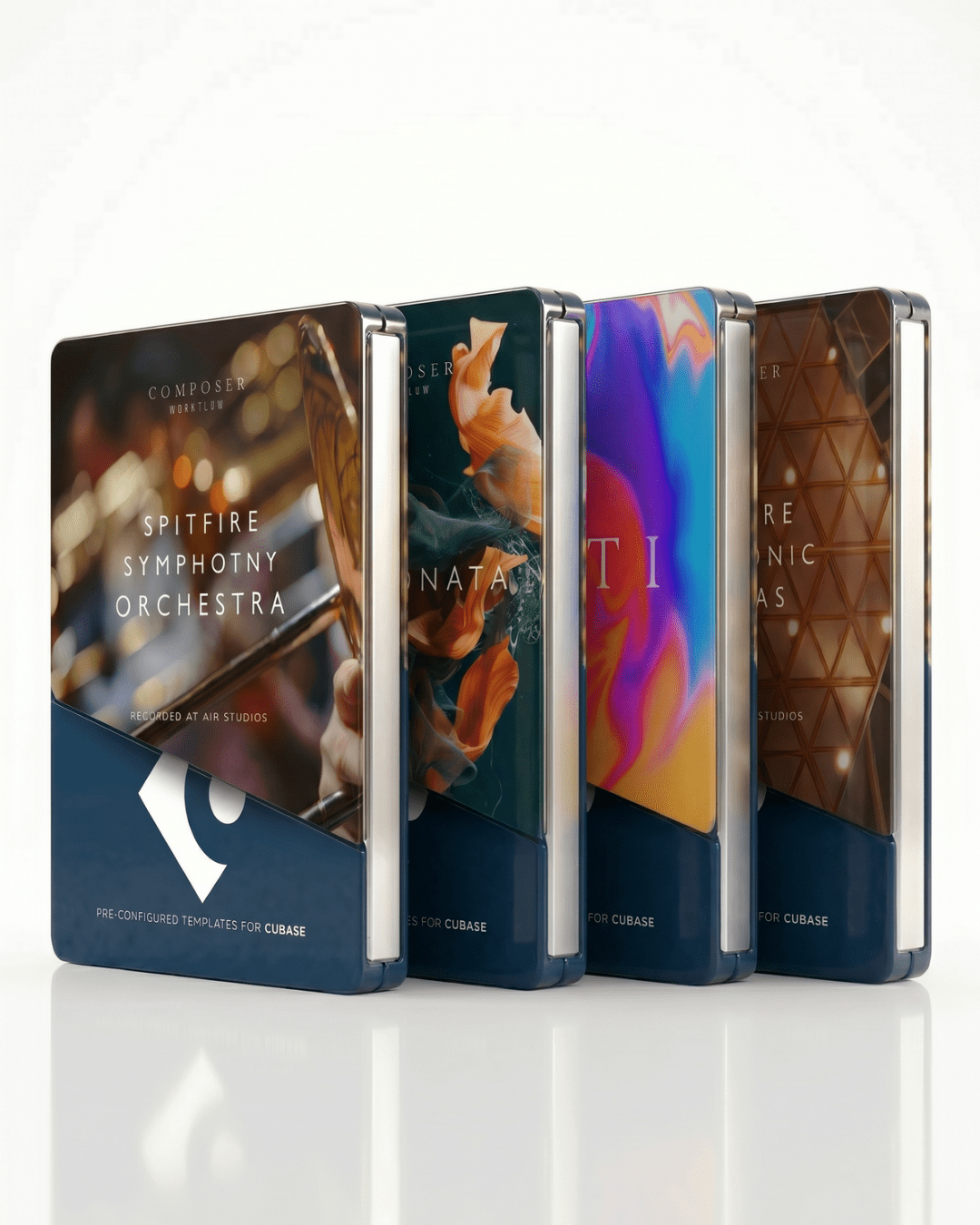
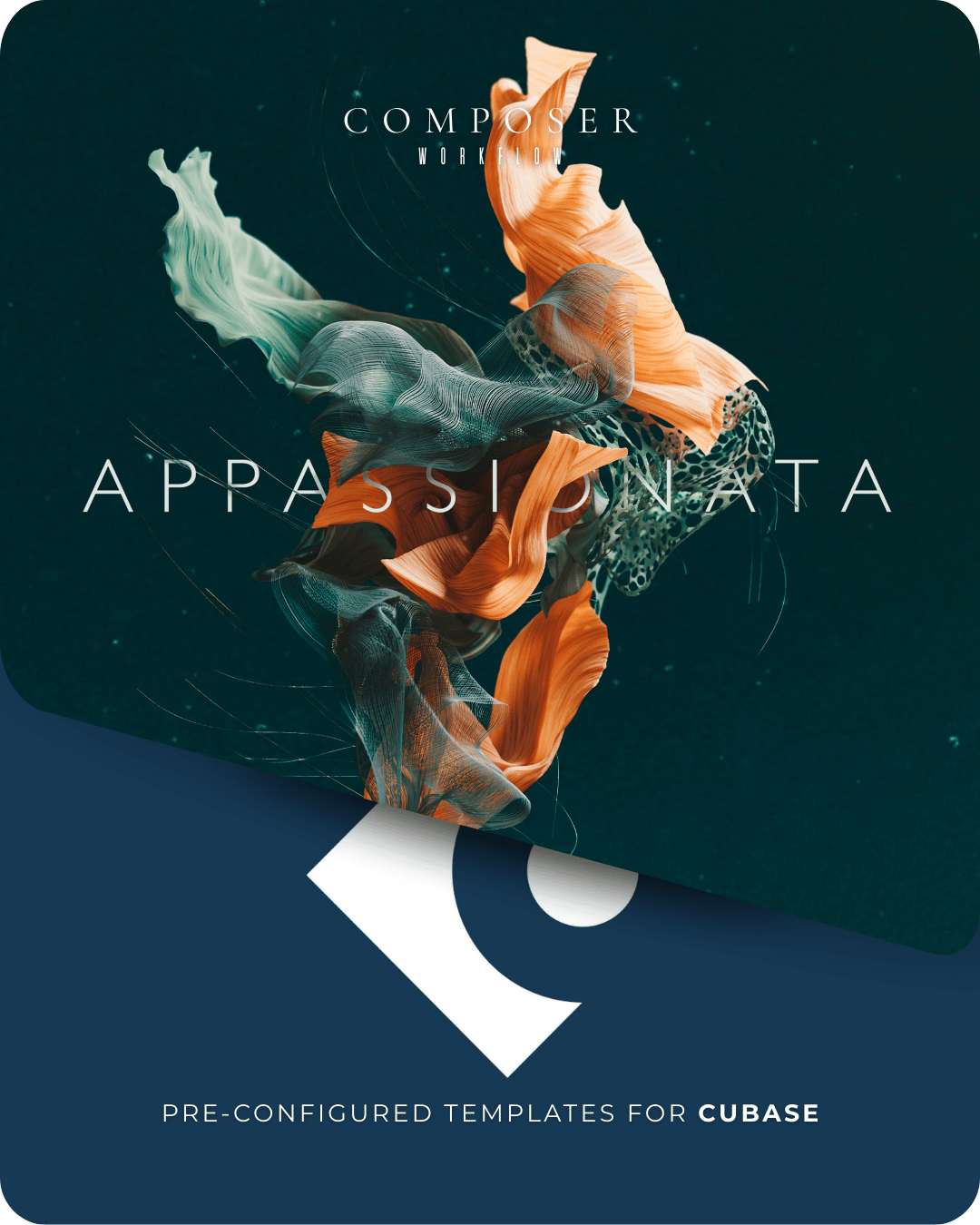
For those looking to enhance their workflows even further, consider Composer Workflow, which offers pre-configured templates and expression maps designed to save you hours on setup time, allowing you to focus on creativity.